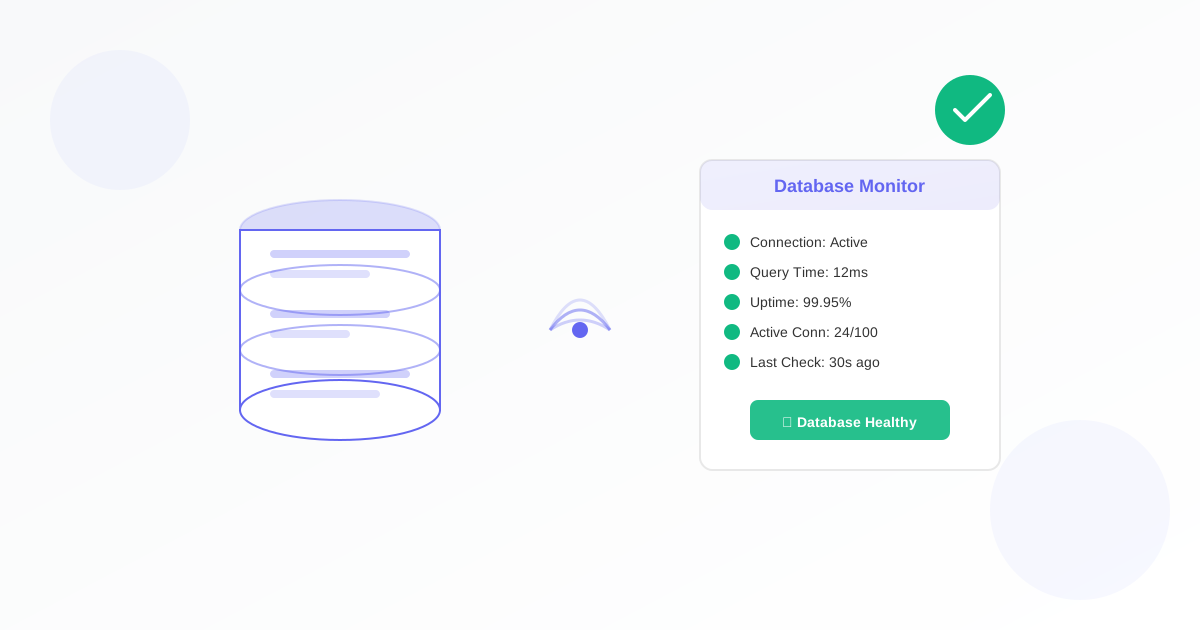
Database uptime and performance monitoring is essential for any business that relies on data-driven applications. When your database goes down or slows to a crawl, your entire operation can grind to a halt. This guide shows you how to implement effective database monitoring that catches problems before they impact your users.
Why Database Monitoring Matters
Your database is the backbone of your application. Whether you're running MySQL, PostgreSQL, MongoDB, or SQL Server, downtime means lost revenue and frustrated customers. Studies show that unplanned database downtime costs businesses an average of $5,600 per minute.
Effective monitoring helps you:
- Detect connection failures before users notice
- Identify slow queries that degrade performance
- Track resource usage to prevent capacity issues
- Maintain uptime SLAs with confidence
Key Metrics to Monitor
Not all database metrics are created equal. Focus on these critical indicators:
Connection Health
Monitor whether your application can successfully connect to the database. A failed connection test is often the first sign of trouble. Set up database connection monitoring to check connectivity every few minutes.
Query Response Time
Track how long queries take to execute. A sudden increase in response time often indicates index problems, lock contention, or resource exhaustion. Use SQL query report monitoring to track specific query performance over time.
Resource Utilization
Watch CPU, memory, and disk usage on your database server. High resource usage can lead to slow queries and eventual crashes. Set thresholds at 80% to give yourself time to react.
Setting Up Effective Alerts
Good monitoring is useless without proper alerting. Follow these best practices:
- Set appropriate thresholds - Alert on connection failures immediately, but use graduated thresholds for performance metrics
- Avoid alert fatigue - Too many alerts leads to ignored alerts. Focus on actionable issues
- Use multiple channels - Send critical alerts via SMS and email for redundancy
- Include context - Alerts should contain enough information to start troubleshooting
Common Database Issues and Solutions
Connection Timeouts
When connections timeout, check your connection pool settings, network configuration, and database max_connections parameter. Often the fix is increasing the connection pool size or optimizing queries that hold connections too long.
Slow Query Performance
Slow queries usually indicate missing indexes, outdated statistics, or inefficient query plans. Use EXPLAIN to analyze query execution and add appropriate indexes.
Disk Space Exhaustion
Databases need disk space for data, logs, and temporary files. Monitor disk usage and set up alerts at 80% capacity. Implement log rotation and archive old data regularly.
Monitoring Best Practices
Follow these guidelines for reliable database monitoring:
- Monitor from external locations - Don't rely solely on local monitoring that might fail with the server
- Test actual functionality - Don't just ping the port; execute real queries
- Monitor replication lag - For replicated databases, track how far replicas fall behind
- Keep historical data - Trends help identify gradual degradation
Get Started with Database Monitoring
Don't wait for a database outage to implement monitoring. With Exomonitor's database monitoring, you can set up comprehensive checks in minutes. Monitor connection health, track query performance, and get instant alerts when issues arise.
Start your free trial today and ensure your databases stay up and performing at their best.
Ready to start monitoring?
Get instant alerts when issues occur, so you can quickly troubleshoot and fix problems.
Flexible monitoring:
- Select the frequency that works for your needs
- Stop or pause the monitor at any time
- Pricing updates automatically based on frequency
- Set up monitors before entering payment details