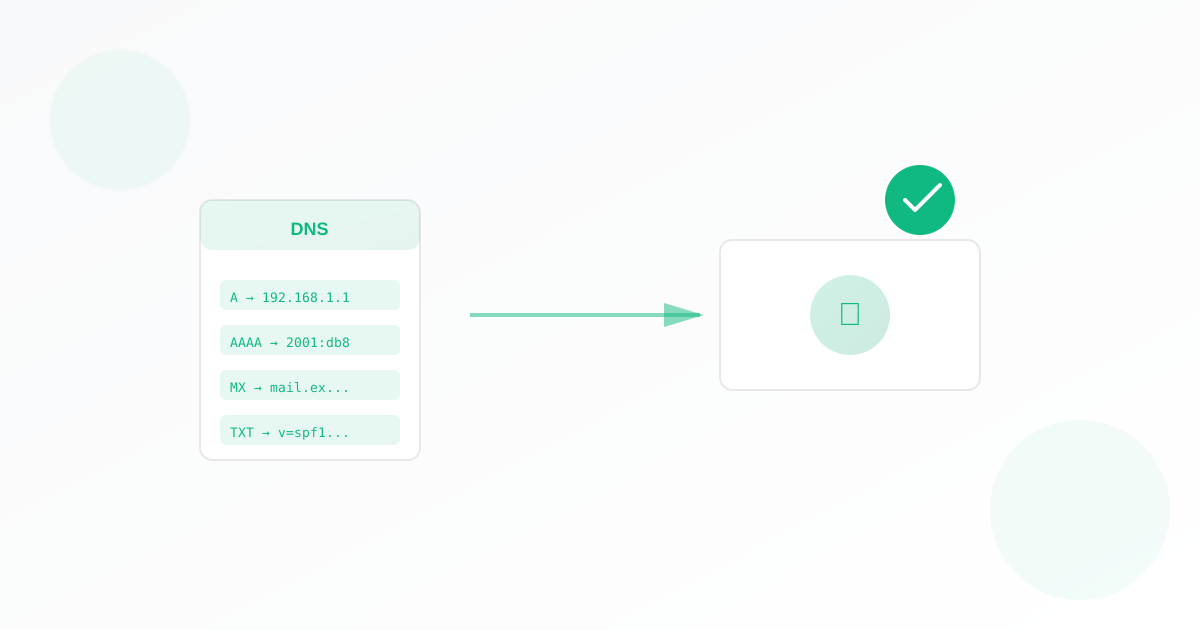
Use Exomonitor DNS monitoring to be alerted about DNS changes
Domain Name Server records are human-friendly names that point to internet addresses in various ways. Your users rely on DNS records, and your internal servers rely on DNS records. When something changes, you need to be alerted.
DNS quietly is the cause of many system issues, so an update on changes can solve many sorts of problems.
Common causes for DNS outages
There are many possible causes for a DNS outage:
- Domain expiration or transfer: Your domain expired or was transferred or changed. (Are you monitoring your domain?)
- Name server outages: Name servers are typically highly reliable, but even the most reliable name servers have gone down. You can use our port monitor to monitor it for outages. If there is an outage you should check the status page of whatever DNS service you use.
- DNS misconfiguration: Records can be deleted or changed, by accident, by a person or a system. It's helpful to see the before and after to troubleshoot issues.
- Security breaches: Hackers can often gain control of your DNS to cause security problems or a service outage. Having an immediate report would be a helpful way of immediately detecting the hacker. Always secure your DNS server and give minimal access and use MFA.
You should monitor your DNS and get a report on the DNS changes of your system.
Get started with DNS monitoring
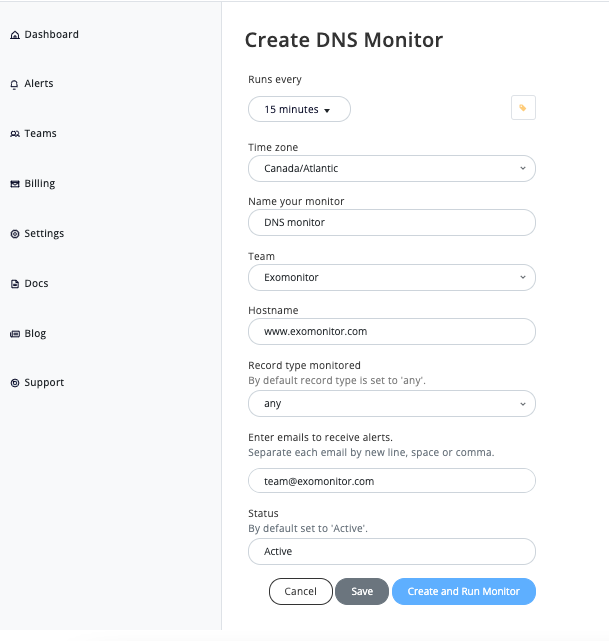
Start monitoring your DNS with Exomonitor today. You can create a DNS monitor in just 5 minutes by filling a similar form to the one below.
Ready to start monitoring?
Get instant alerts when issues occur, so you can quickly troubleshoot and fix problems.
Flexible monitoring:
- Select the frequency that works for your needs
- Stop or pause the monitor at any time
- Pricing updates automatically based on frequency
- Set up monitors before entering payment details